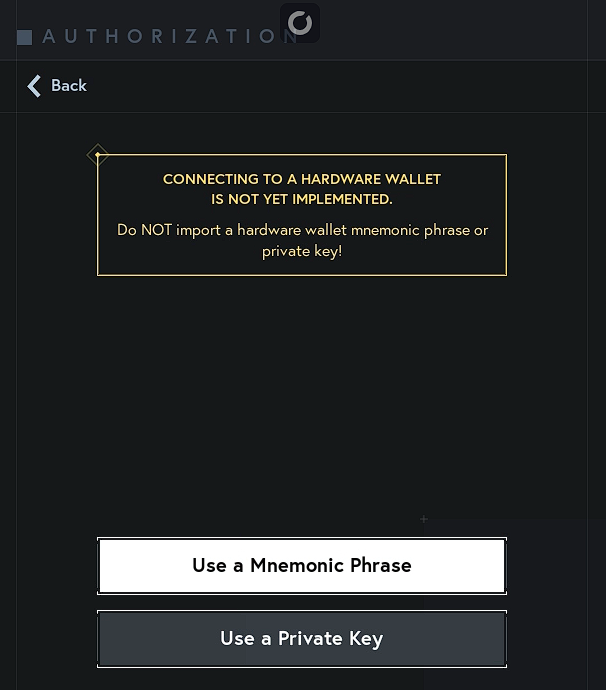
DISCLAIMER: You should never import a hardware wallet seed phrase into a software wallet.
If you have a hardware wallet, create a new one in Star Atlas UE5 Game and send your ships there.
You can find more details on how to create a new wallet in this article.
Never provide your seed phrase or private key to anyone. The Star Atlas team will never under any circumstances ask for your seed phrase or private key.
There are two ways you can import your existing wallet into the Showroom: using your seed phrase or using your private key.
ALWAYS make sure that you’re doing this in the safest way possible (avoid doing this in public places, and make sure that if you use copy/paste you clear your clipboard as soon as you’re done).
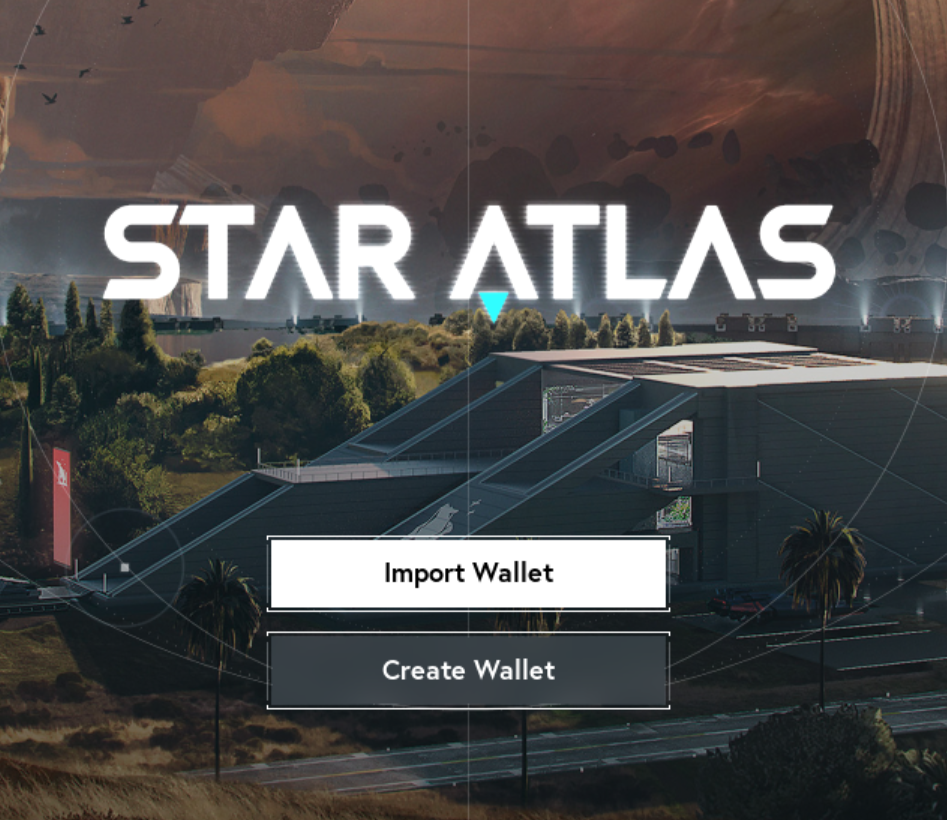
Once you reach the Showroom landing page, do the following:
- Click on Import Wallet
- Select if you want to import using your mnemonic phrase (seed/recovery) or your private key
- Enter your 12 or 24 words if you chose a mnemonic phrase
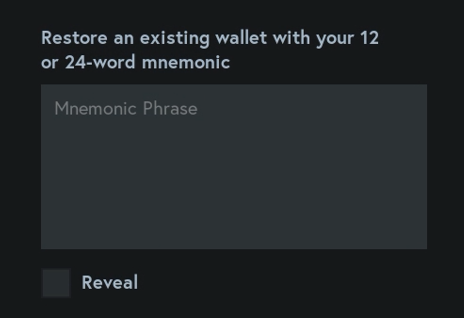
or paste your private key if you chose the latter option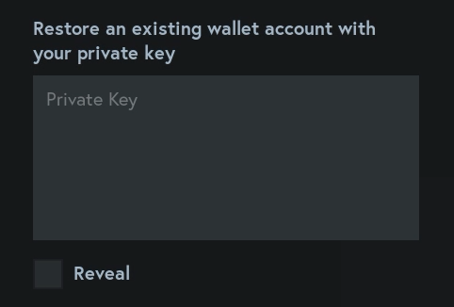
-
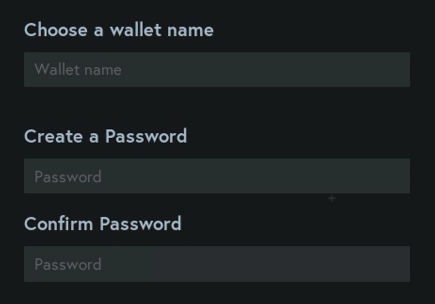
Name your wallet and protect it with a password. This password is local only and helps you protect your wallet on your machine. If you lose your password, you will have to reimport your wallet.
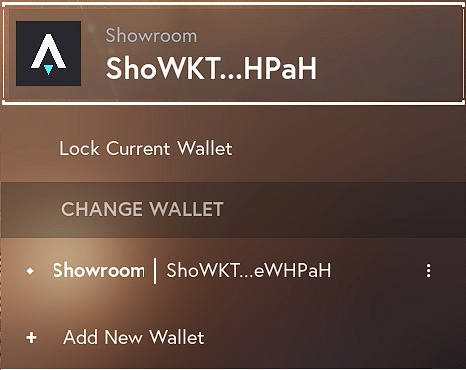
Important safety step – How to lock your current wallet
Step 1: Select the Wallet
Step 2: Click Lock Current Wallet